


JoyfulWords
AI Content Creation Workspace

One idea createsarticles, infographics,decks, and mind maps

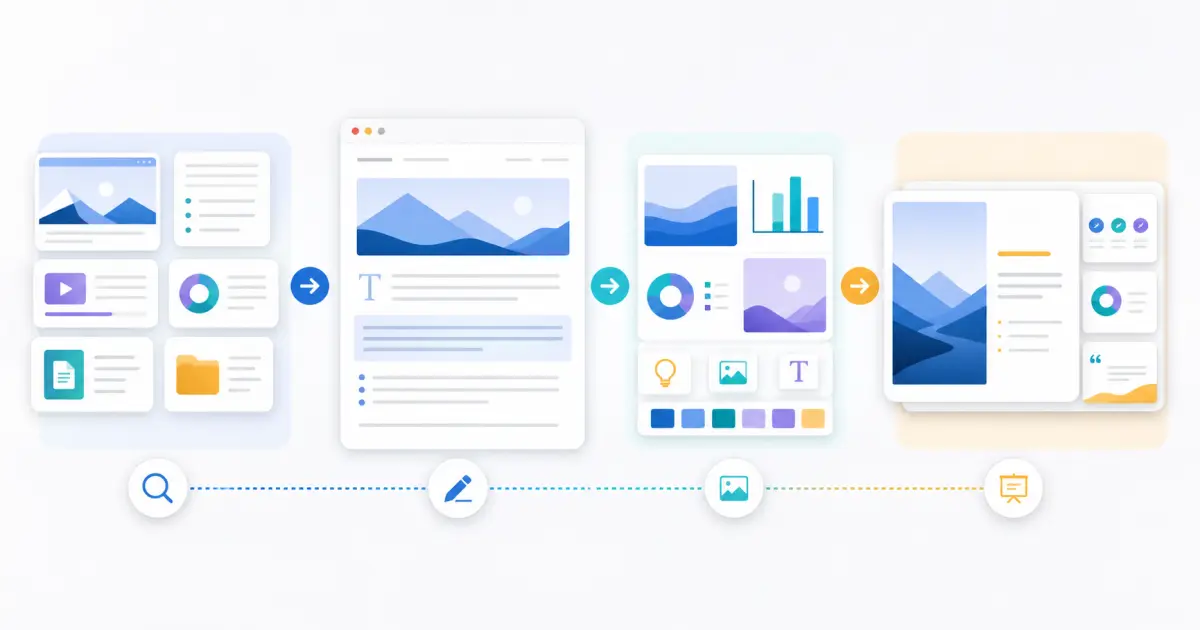
JoyfulWords finds source material, builds your draft, then turns it into an infographic, presentation, and mind map in one workflow.
$0Subscription fee, pay as you go
4 + 14 creation tools, 1 workflow
Usage-basedCredits scale with content complexity
joyword.link / workspace
JoyfulWords content workflow preview
Start with one topic and create four content formats in one workflow.Explore all four tools
How it works

From idea to publish in four steps

Research, outline, drafting, and multi-format export happen on one page, without moving content between tools.

  1. 01

    Find source material

    Search the web in real time and save useful links and ideas in seconds.

  2. 02

    Shape the outline

    AI extracts the key points and gives your article a clear structure.

  3. 03

    Generate the draft

    Submit an AI writing request, let the task build a full draft, then continue refining it in the editor.

  4. 04

    Export every format

    Your article, infographic, presentation, and mind map are ready.

Four creation tools, all built in

One source connects four formats. Articles, infographics, and mind maps work together now; PPT shows a preview of the implemented code flow.

01AI Writing

Generate articles faster

Start with a topic and generate a structured outline, full draft, and visual direction, with rewriting and tone controls built in.

  • Describe the writing task and choose a style
  • Track the task from initializing to draft
  • Open the three-column editor to refine the result
Try AI writing
articles / editor
JoyfulWords AI article writing workspace
02Infographic

Generate infographics

Turn key points into a shareable visual for article summaries, data storytelling, and social distribution.
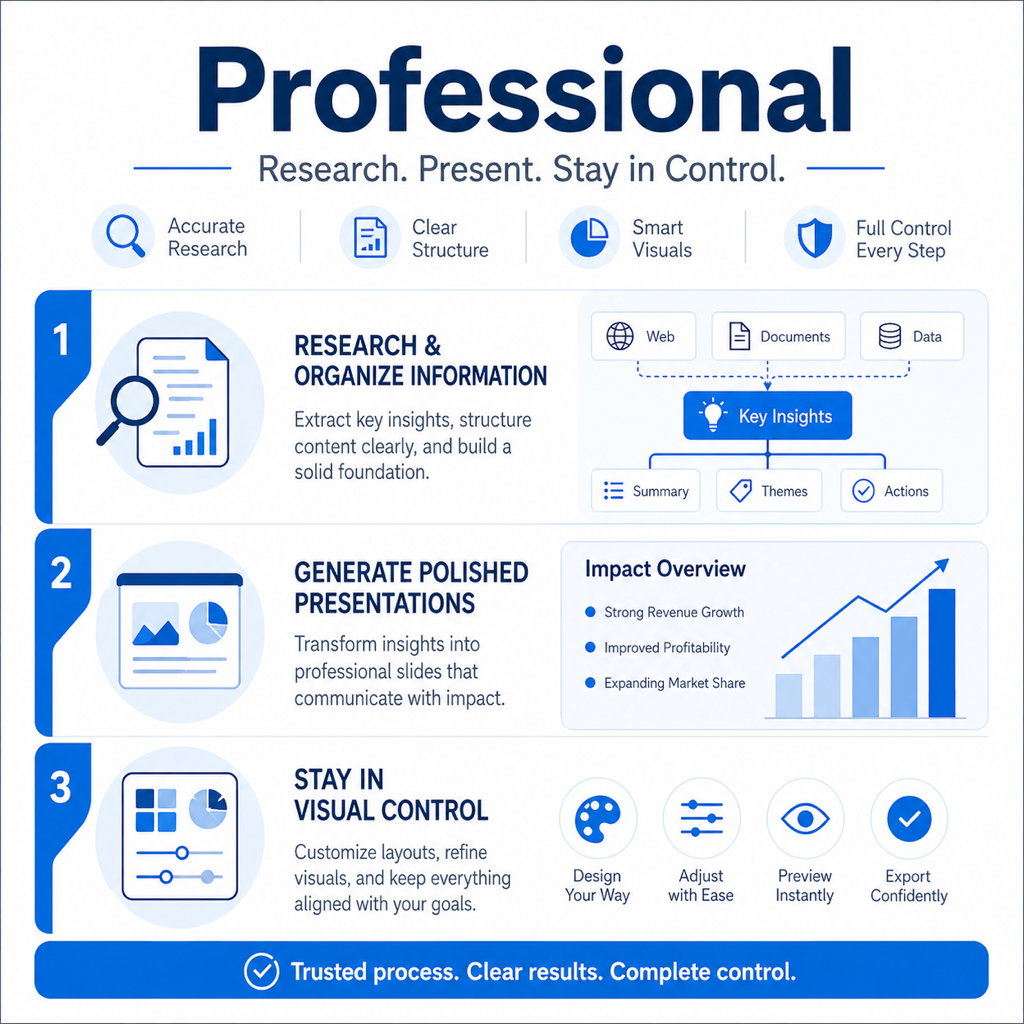
  • Arrange key points into a clear visual
  • Switch between multiple visual styles
  • Configure orientation, language, and content density
Create an infographic
tools / infographic
Professional JoyfulWords infographic style preview
03Presentation

Generate presentations

The complete PPT workflow is implemented in the repository. Its page entry is not open yet, so this video previews the real code flow.
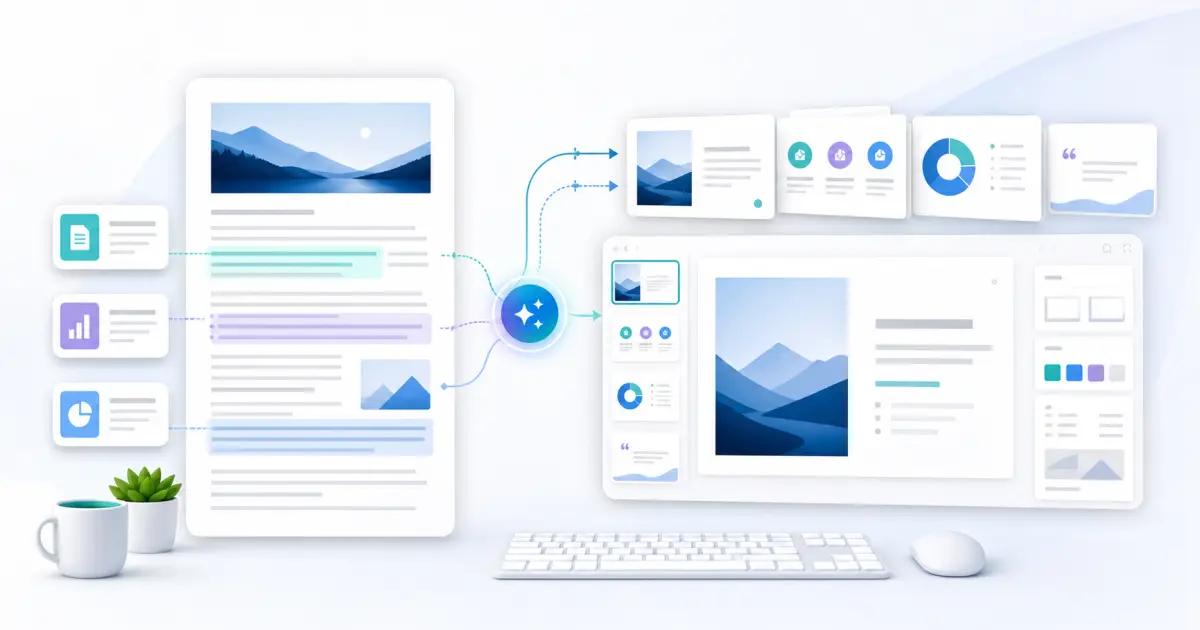
  • Generate and review editable storycards first
  • Choose the theme, image style, and transitions
  • Preview and download the completed PPT
Coming soon · Workflow preview
articles / presentation preview
Article to presentation workflow preview
04Mind Map

Generate mind maps

Organize complex material into a clear, editable mind map and download the result as an XMind file.

  • Extract hierarchy from long-form content
  • Drag and edit every branch
  • Save your edits and download an XMind file
Create a mind map
articles / mind map
Outcomes

Give creation time back to creating

Two efficiency gains: research and write without switching platforms, then turn one article into multiple deliverables.

1 platformResearch, write, add visuals, and export without leaving the page
0 copy-pasteInsert saved research directly instead of moving it between tools
1 → 4Turn one article into an infographic, presentation, and mind map
SecondsSearch the web in real time and ground the topic immediately

Research and write without switching platforms

  • Before, research lived in three tabs while writing and visuals happened in separate tools.
  • Before, saved links disappeared into bookmarks when it was time to write.
  • Now, web search, saved material, citations, and the draft live on one editing page.
  • Now, one click moves useful material into the article without breaking focus.
workflow / before and after

Turn one article into several deliverables

  • Before, the same content had to be rebuilt for visuals, slides, and a mind map.
  • Now, an article converts into an infographic, presentation, and mind map in one flow.
  • Now, every creation becomes reusable material for the next piece.
content / one to many

Independent creators

Publish two visual-rich newsletter or blog posts in a day, with imagery and infographics ready alongside them.

Global content teams

Create Chinese and English content together, with SEO keywords and structured formatting in the workflow.

Work presentations

Turn a weekly report or proposal into slides and a mind map, ready to present in minutes.

Frequently asked questions

New accounts receive 200 credits to try writing, infographics, presentations, and mind maps for free. After that, usage is pay as you go — credits are consumed dynamically based on content complexity, with no subscription fee.

Your next piece starts here

Create a free account and get 200 credits instantly.

Start creating free
    AI Content Creation Workspace | JoyfulWords