I am not especially good at making presentations. Every time I need to create a PPT, I spend a long time looking for templates, changing layouts, adjusting copy, and trying to make the final file look usable.
At some point I started asking a simple question: is there a tool that can help me organize ideas, collect materials, and then generate a presentation for me?
I do not need every deck to look like an agency pitch. Most of the time, I need something fast, usable, and editable. I also do not want another monthly subscription just because I occasionally need to make a presentation.
So I decided to design that workflow myself. The idea is not complicated: a focused editor, built-in search, visual tools, and an AI presentation generator that can turn finished thinking into slides. That is what JoyfulWords now does.
1. Organize the Idea
The first step is always structure.
JoyfulWords includes a mind map, so I do not need to switch to Xmind just to sort out the outline. I can plan the main argument, break down sections, and see what kind of materials I still need before I start writing.
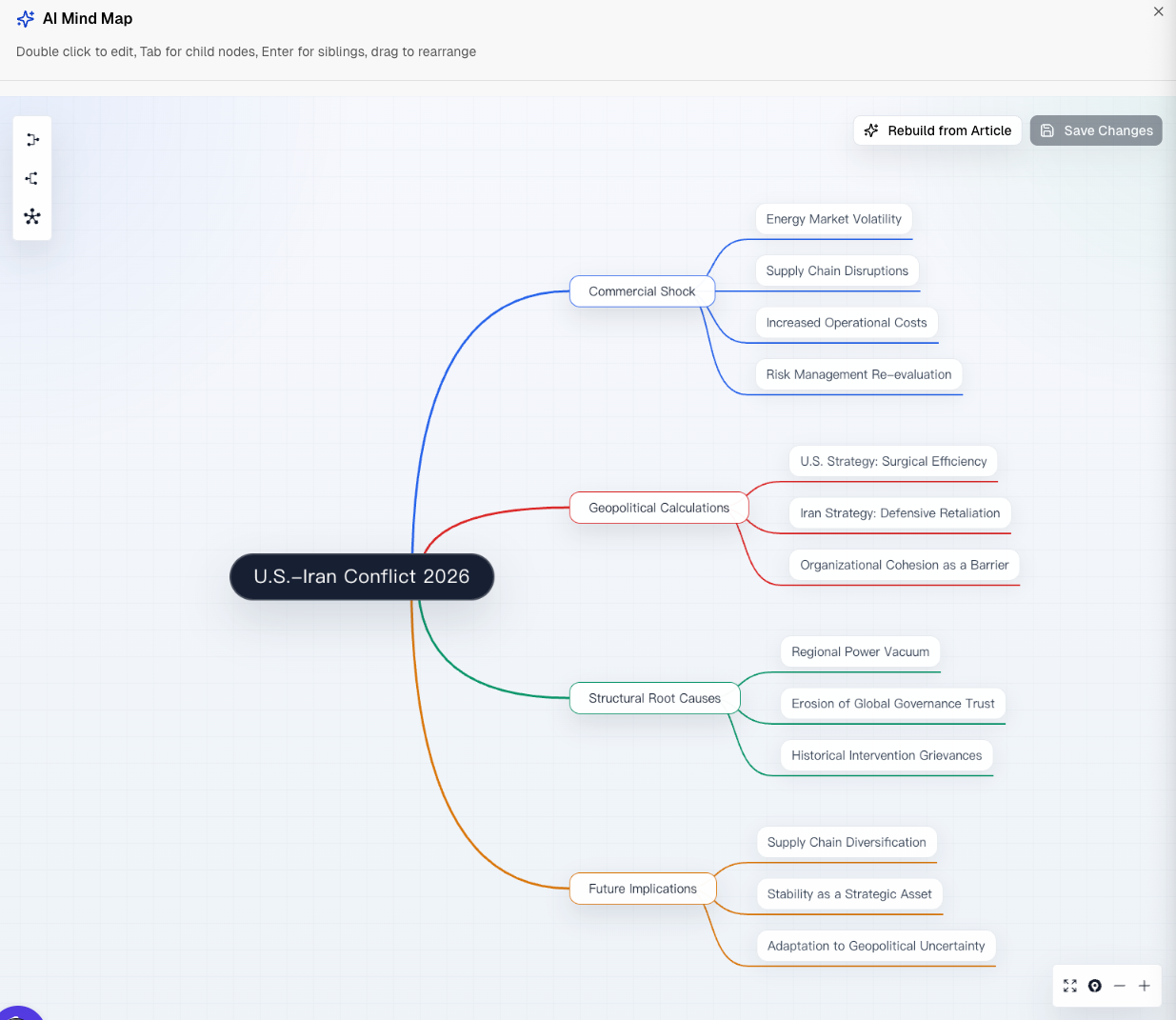
The experience is close to a familiar mind mapping tool. The core operations are there, and that is enough for me to clarify what I want to say and what I need to prepare.
2. Collect Materials
I no longer have to search Google manually and move between browser tabs.
With the material search feature in JoyfulWords, I can search for web references and images directly while writing. This is especially useful for images. With the help of AI models, the search results can be filtered and returned in a way that is more relevant to the topic I am working on.
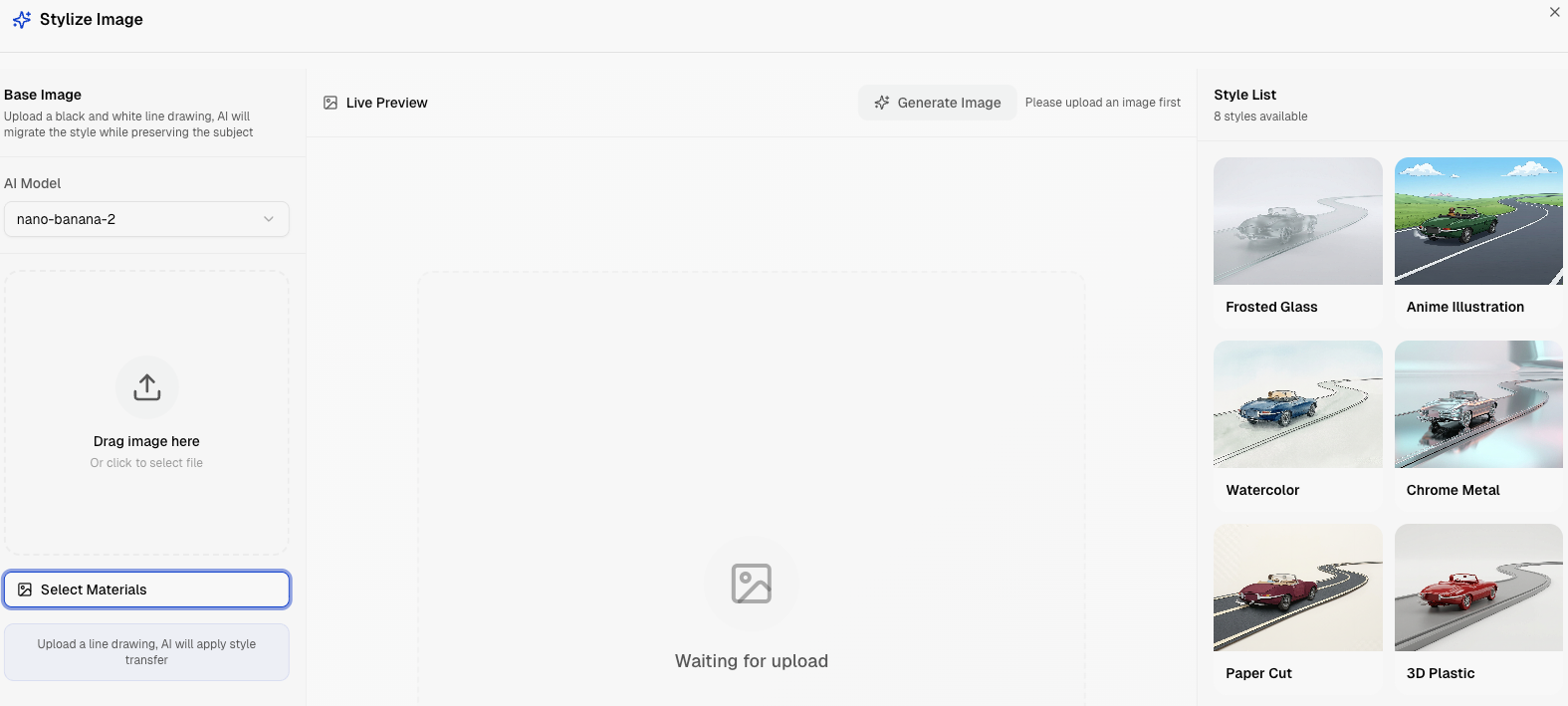
Of course, web images often have watermark or copyright problems. When that happens, I can use Split Image Layers to isolate the subject, then use Create Image or Stylize Image to design an original image that fits my deck.
3. Refine the Content with AI
After I write the content for the presentation, the next challenge is turning it into a deck structure.
I need a template of thought, or a slide outline: what each page should say, what the title should be, what supporting points belong there, and what speaker notes I may need. This is a good place for AI to help.
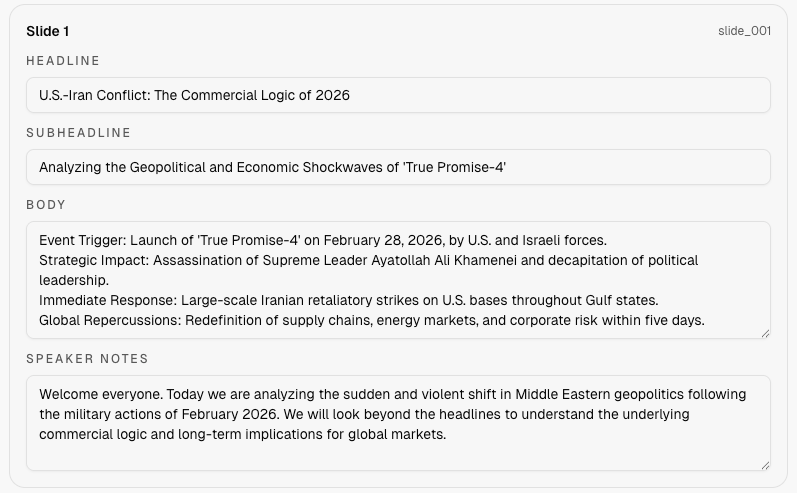
In this step, I ask AI to turn my writing into story cards. Each card includes a title, subtitle, body content, and speaker notes. I can still edit the cards, because sometimes my own thinking is different from what AI suggests.
That is the point: AI helps organize the draft, but I keep control over the final message.
4. Generate the PPT
I would not say that a good presentation only takes five minutes.
In reality, I still spend time thinking, collecting materials, choosing key points, and writing the core content. AI helps me search faster, design images faster, and polish some of the language, but the final result still comes from my own judgment.
This is the kind of human and AI collaboration that feels right to me. It is not about giving AI a vague goal, leaving the keyboard, and hoping for the best.
The final step, turning the story cards into a PPT, can take only a few minutes. By that point, the structure is already written, so I can let JoyfulWords generate the deck without worrying that the result will drift too far from my intent.
Unlike tools that export slide-like images, JoyfulWords generates a real PPT file. I can send it to my manager or colleagues, open it in PowerPoint, and keep editing it even without an internet connection.
5. Final Thoughts
This is the full workflow I use in JoyfulWords. It saves time, but more importantly, it gives me a healthier way to work with AI.
Instead of expecting a black-box chatbot to understand every spark of thought in my head, I use AI as part of a visible workflow: outline, research, write, refine, generate, and edit.
That is much closer to how real work gets done.